
Hyundai Sonata LF: SRSCM / SRS Control Module (SRSCM) Repair procedures
Hyundai Sonata LF 2014-2019 Service Manual / Restraint / SRSCM / SRS Control Module (SRSCM) Repair procedures
| Removal |
| 1. |
Remove the ignition key from the vehicle. |
| 2. |
Disconnect the battery negative cable and wait for at least three minutes before beginning work. |
| 3. |
Remove the floor console.
(Refer to Body - "Floor Console Assembly") |
| 4. |
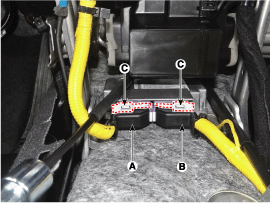
Pull up the lock (C), of the SRSCM connector, then disconnect the connector (A and B).
|
| 5. |
Remove the SRSCM mounting bolt and nuts from the SRSCM, then remove the SRSCM. |
| Installation |
| 1. |
Remove the ignition key from the vehicle. |
| 2. |
Disconnect the battery negative cable and wait for at least three minutes before beginning work. |
| 3. |
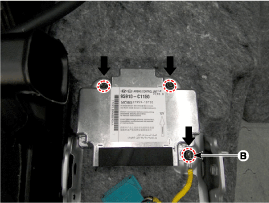
Install the SRSCM with the SRSCM mounting bolt and nuts.
|

| 4. |
Connect the SRSCM harness connector. |
| 5. |
Install the heater ducts and floor console.
(Refer to Body - "Floor Console Assembly") |
| 6. |
Reconnect the battery negative cable. |
| 7. |
After installing the SRSCM, confirm proper system operation :
|
| Variant Coding |
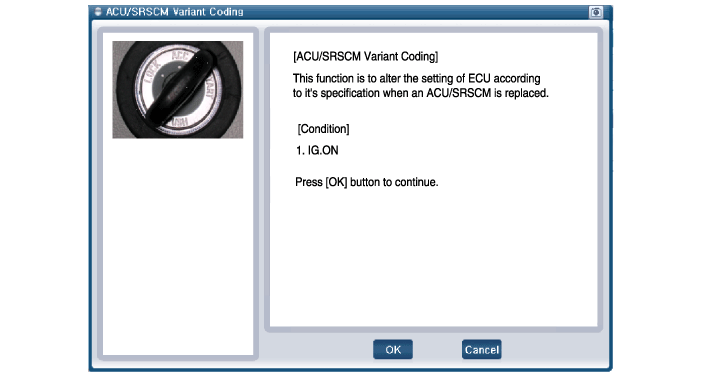
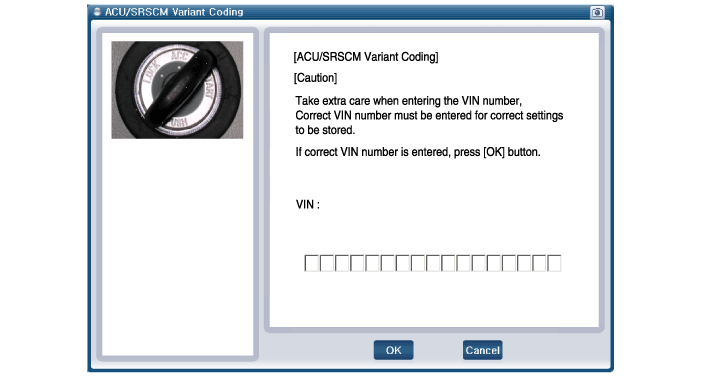
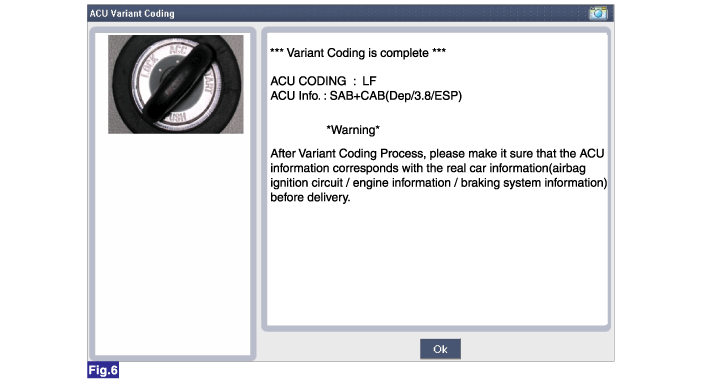
After replacing the SRSCM with a new one, the "Variant Coding" procedure must be performed.
|
Variant Coding Procedure
| ?nbsp; On-Line Type on GDS |
| 1. |
Turn the ignition switch OFF. |
| 2. |
Connect the GDS. |
| 3. |
Turn the ignition switch ON without the engine running. |
| 4. |
Select vehicle name and airbag system. |
| 5. |
Select variant coding mode. |
| 6. |
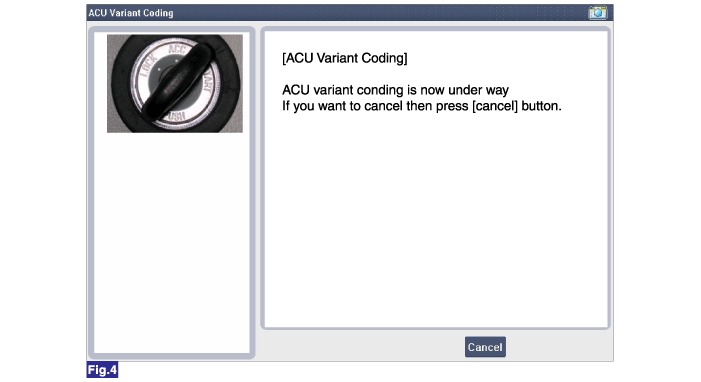
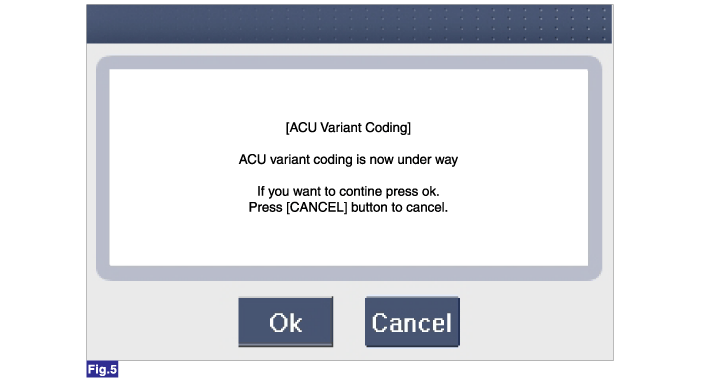
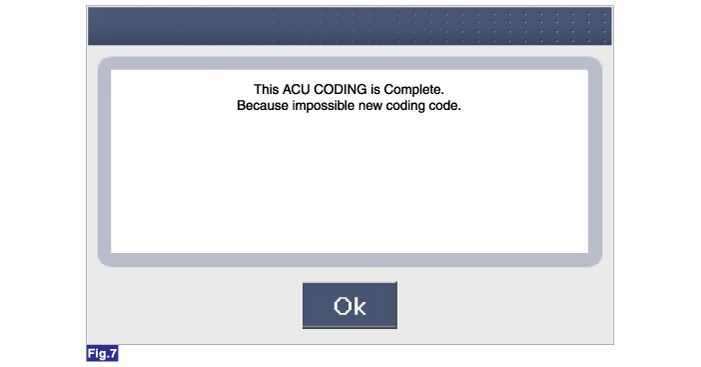
Follow the steps on the screen below.
|
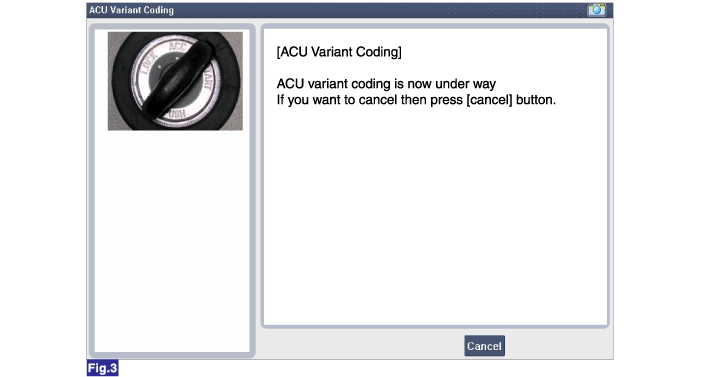
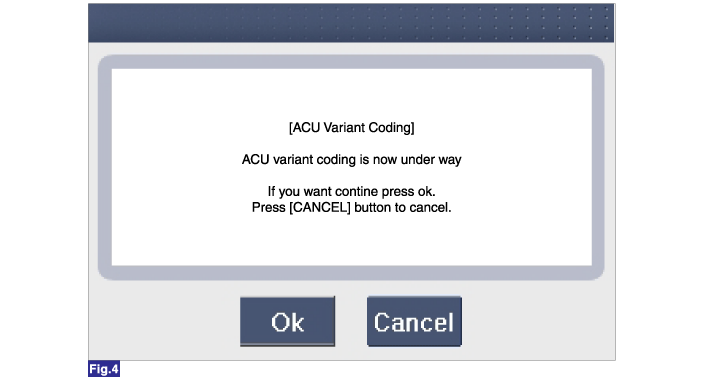
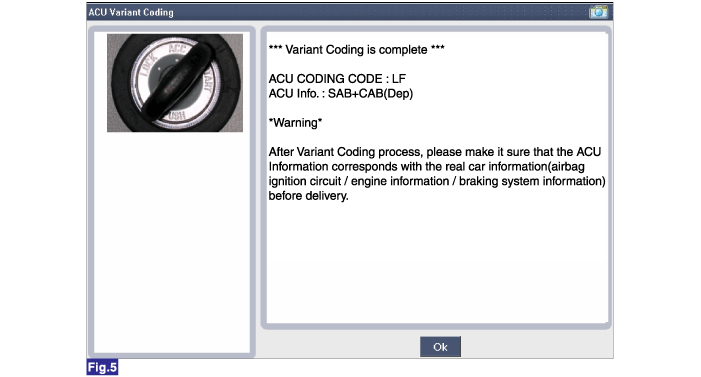
|
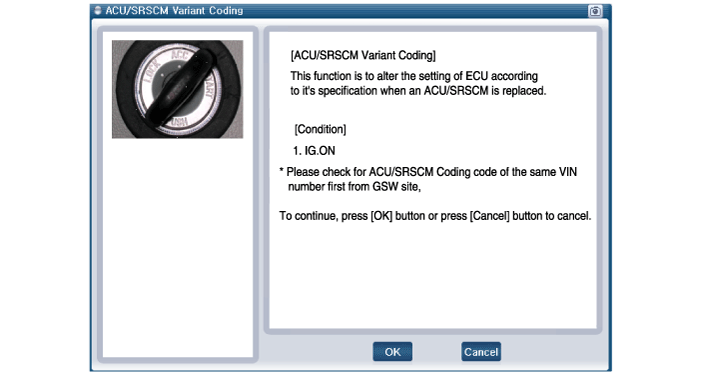
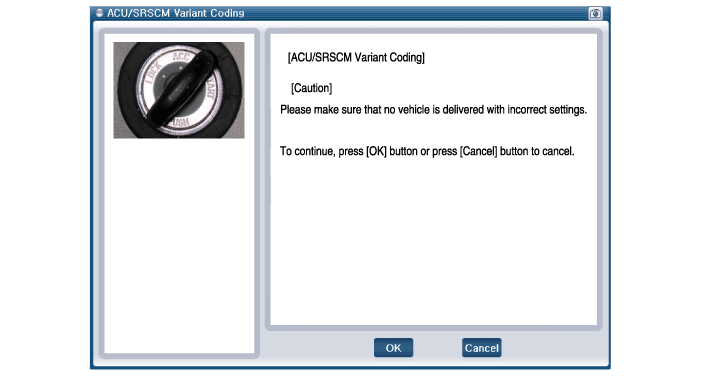
?nbsp; Off-Line Type on GDS (Use when not connected to the internet)
| 1. |
Turn the ignition switch OFF. |
| 2. |
Connect the GDS. |
| 3. |
Turn the ignition switch ON without the engine running. |
| 4. |
Select vehicle name and airbag system. |
| 5. |
Select variant coding mode. |
| 6. |
Follow the steps on the screen below.
|
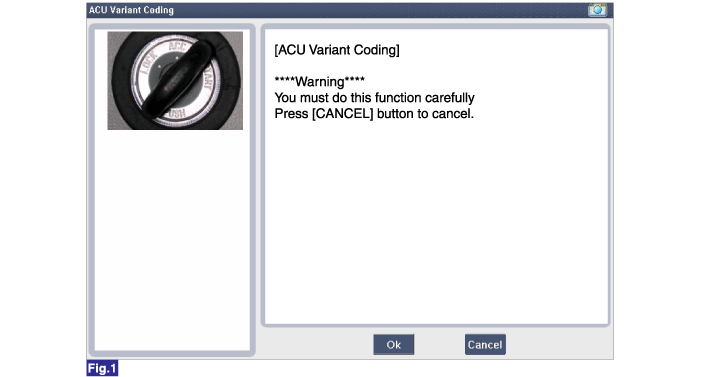
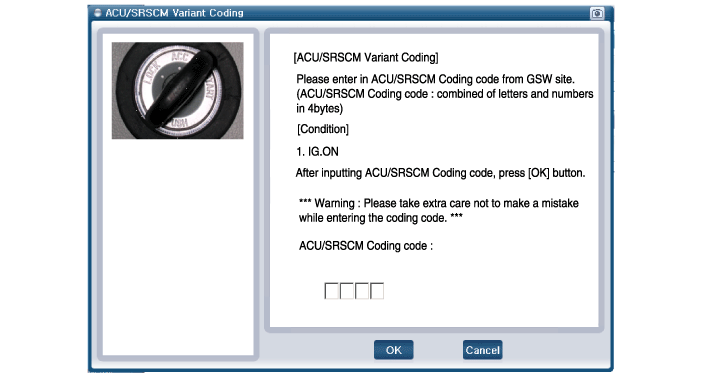
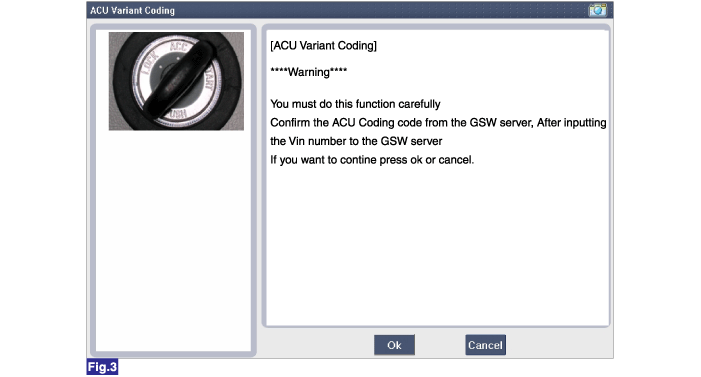

 Front Impact Sensor (FIS) Description and Operation
Description The front impact sensor (FIS) is installed in the Front End Module (FEM). They are remote sensors that detect acceleration due to a collision at its mounting location...
Other information:
Hyundai Sonata LF 2014-2019 Service Manual: General Safety Information and Caution
Precautions General Precautions Please read the following precautions carefully before performing the airbag system service. Observe the instructions described in this manual, or the airbags could accidentally deploy and cause damage or injuries...
Hyundai Sonata LF 2014-2019 Service Manual: Gear Actuator Assembly Components and Components Location
C..
Categories
- Manuals Home
- Hyundai Sonata Owners Manual
- Hyundai Sonata Service Manual
- Heating, Ventilation and Air Conditioning
- Engine Electrical System
- Emission Control System
- New on site
- Most important about car

Copyright В© 2026 www.hsonatalf.org